
-
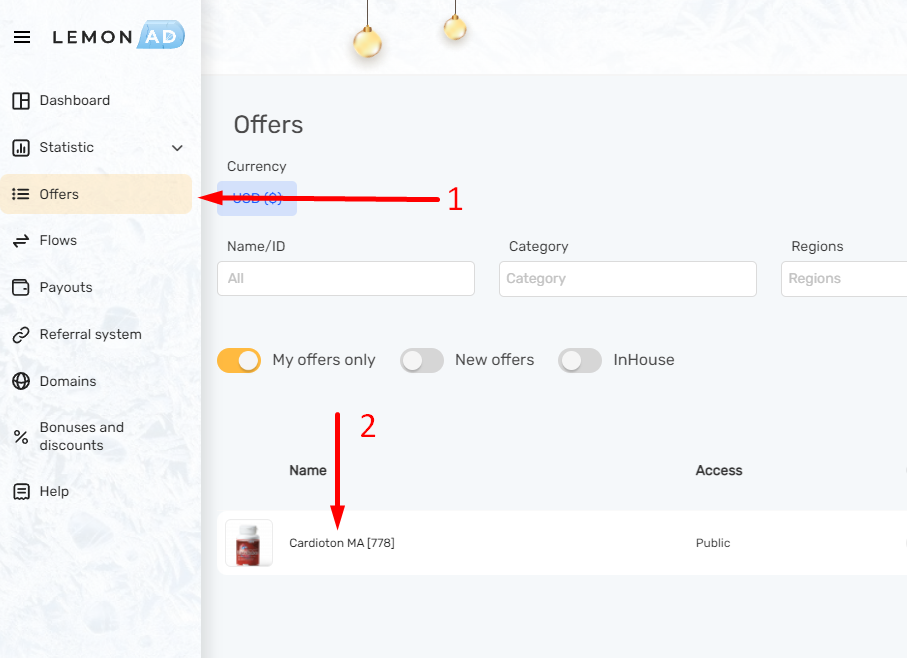
Go to the offer page and select the required
-
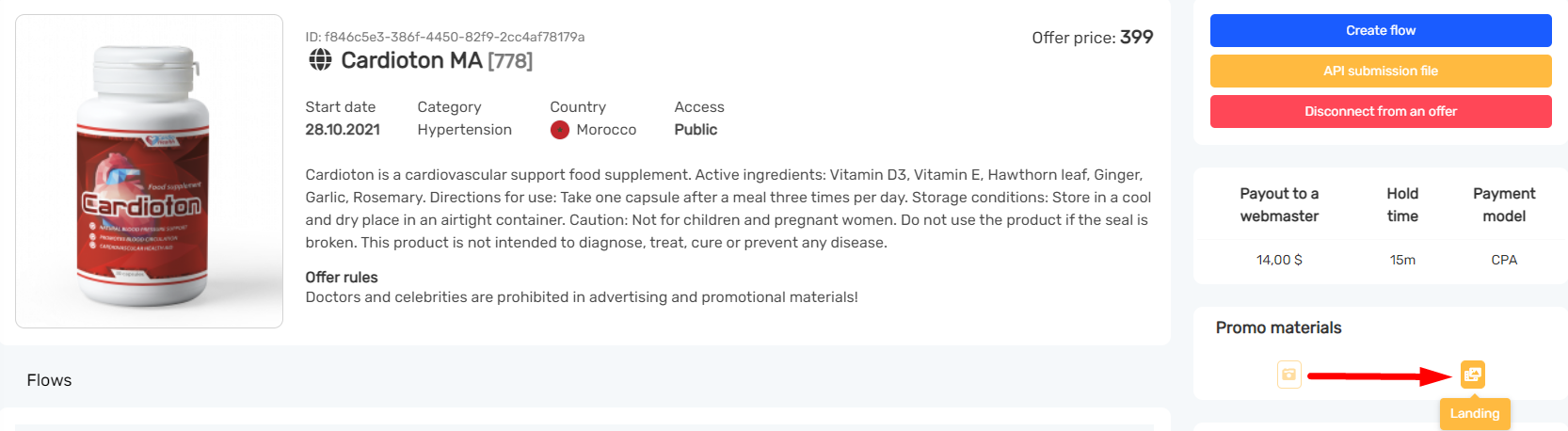
Click on the button "Landing"
-
Download

4. On the offer page, click the button “API Submission File“

5. Add the downloaded file to the archive
6. Open the index.html file, in all <form action=”#”> tags Specify the lemon.php value

7. The file must be saved in PHP format
8. Download and add the thank you page to the archive using the link
9. The page of the desired page must be renamed to success.php