
Step 1
Go to website https://metrica.yandex.com/
Step 2
Click “Add Counter”

Step 3
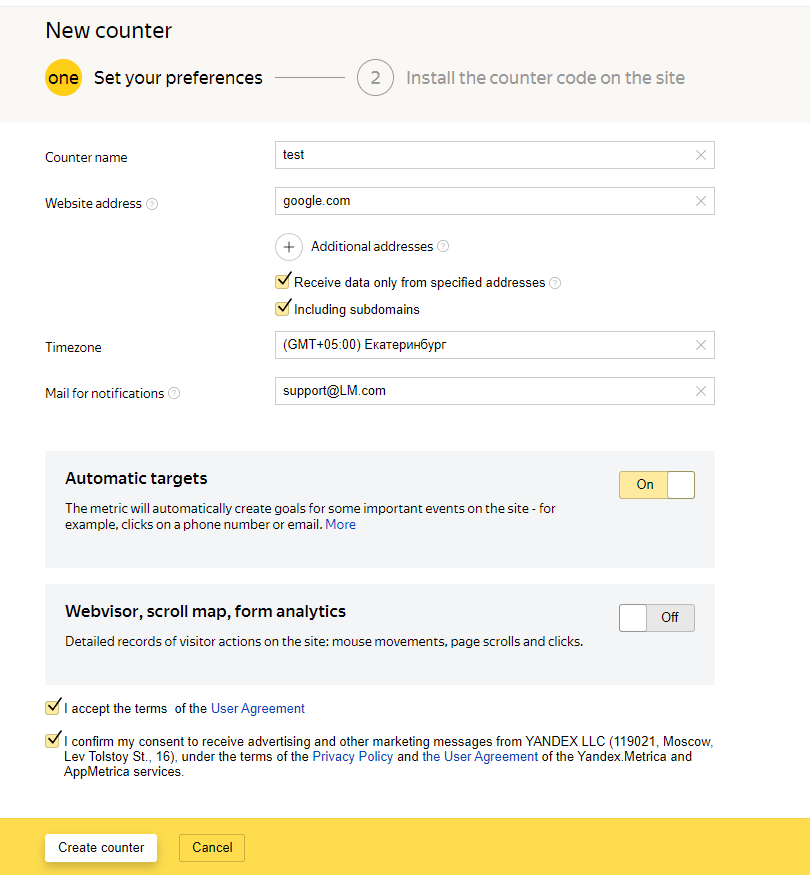
Enter the data, click "create counter"
Step 4
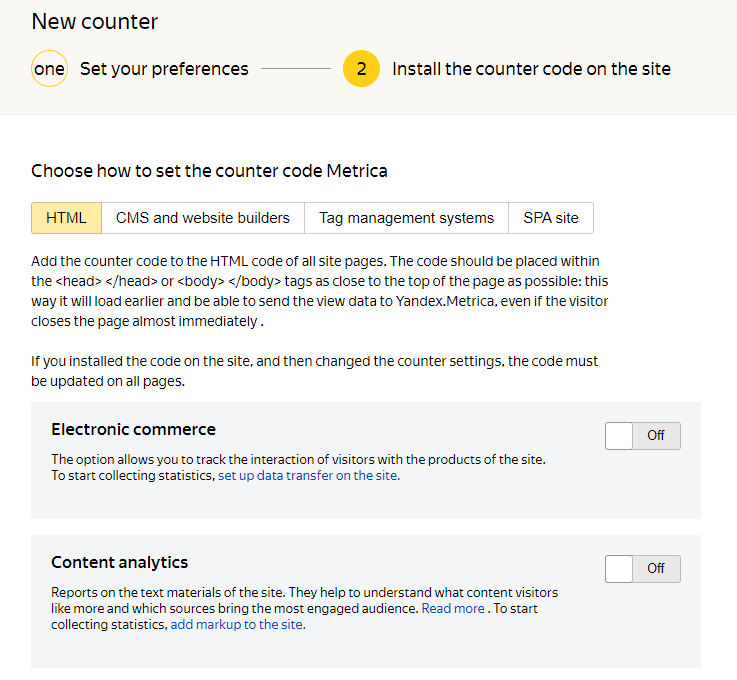
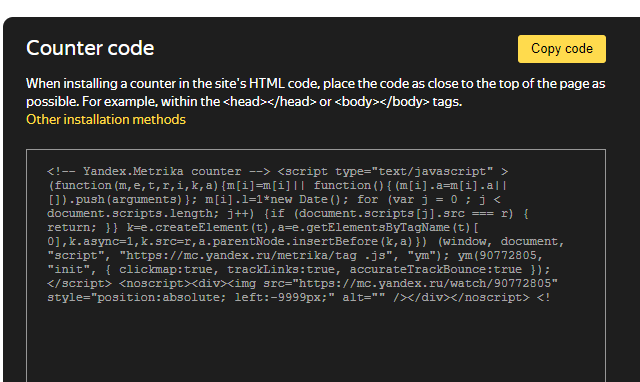
We select the necessary method, in this case HTML. Copy the code at the bottom of the page, put it in the <HEAD> tag
Step 5
Now you can track visits to specific streams
